
A release needs one clear premise, a cover or lead image, key art, a title system, the ads and print pieces in scope, and every required crop and version. If motion is included, plan the finished films, cutdowns, poster frames, and held frames. The handoff should name final files, source files, reusable templates, rights, and open items.
The asset list comes from the places the release will appear. Start with those surfaces, then define the pieces that have to carry the release across them. Working the other way around is how you end up with a beautiful square image and five placements that need widescreen.
The list below covers a complete creative system. A specific release may use part of it; the written scope names that boundary.
Write the premise first
State what the release is, who it needs to reach, and what the audience should understand or feel. Keep the premise short enough that it can guide a cover, an ad, and a film without changing its meaning between them.
Then gather the source material and rules that shape the work:
- Existing footage and images
- Approved copy and identity rules
- Product or release facts
- Rights for every supplied source
- Required publishing surfaces
- Fixed dates and other constraints
The premise and source material give the asset system one center. Keyframe0's creative capability builds covers, key art, ads, print, and title systems around one release premise.

Cover or lead image
The cover introduces the release at its smallest useful size. It needs a readable subject, clear hierarchy, and enough flexibility for the required crops. If it doesn't read as a thumbnail, it doesn't work, no matter how it looks full-screen.
Define where the cover will appear and how each surface frames it. Record the orientations and any text-safe areas. If several series or installments share a system, define which elements stay fixed and which change.
Approve the cover with the actual title, the intended image, and the final crop together. Reviewing them together exposes the conflicts before the rest of the set gets built on top of them.
Key art
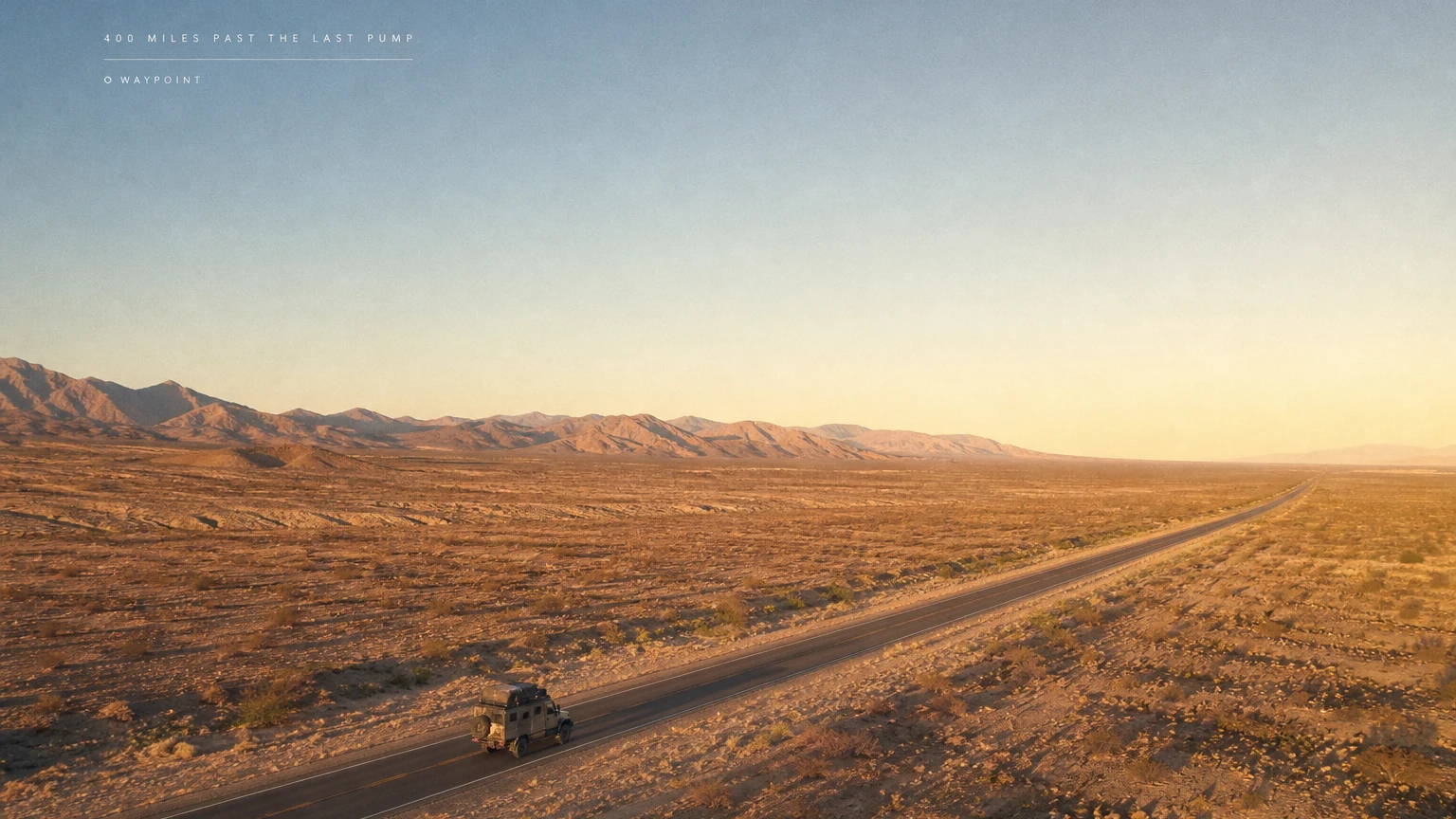
Key art carries the release into wider placements: a page lead, a landscape panel, a watch screen, an ad. It shares the same premise, image logic, and title hierarchy as the cover.
Plan the wide composition while the main image is being made. A vertical image may not have the horizontal context for a wide crop. A wide frame may park the subject where a tall crop can't hold it. Compose for the complete delivery matrix and every version gets room to breathe.
Title system
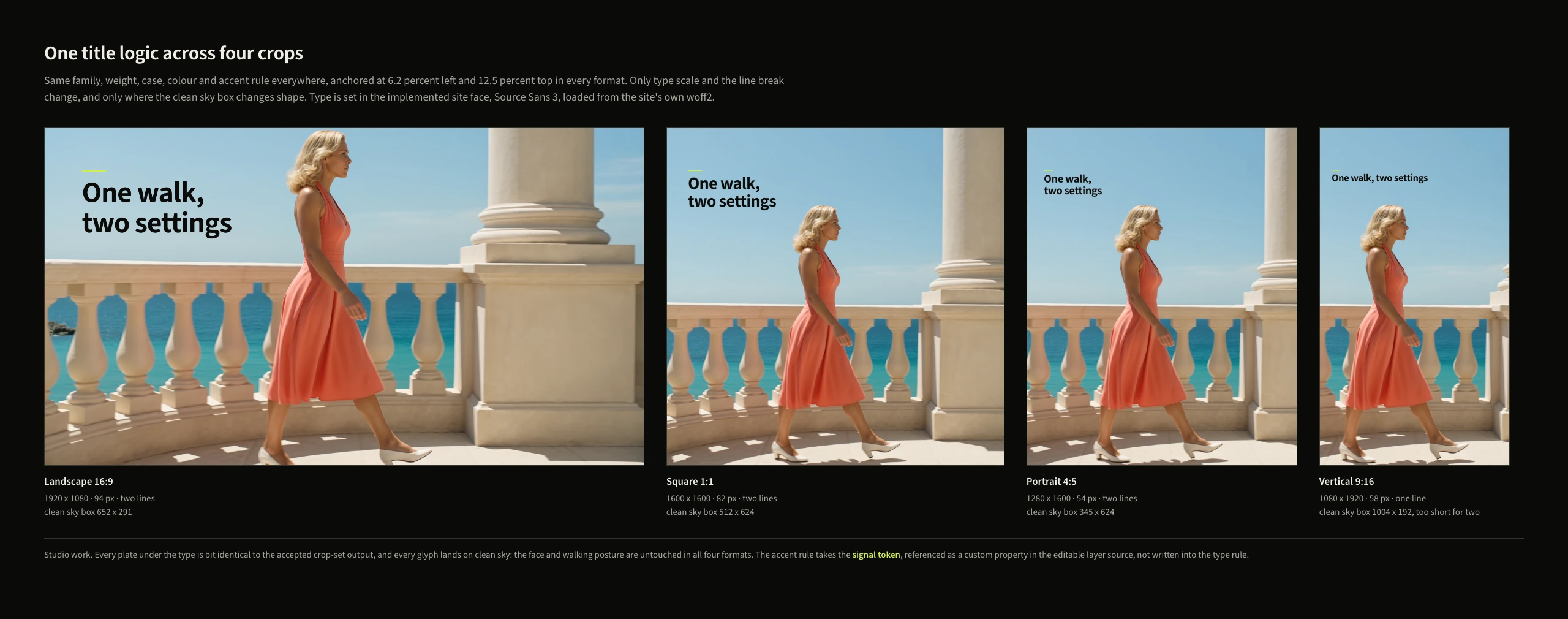
The title system defines how the release name and supporting lines behave across sizes and surfaces: typography or lettering, hierarchy, placement rules, spacing, and treatments against different images.
Test the title at the smallest delivery size and across the widest and tallest crops. Record the approved versions and any rule that changes by format.
Keyframe0 makes title treatments and release graphics as part of the creative work.
Ads and print pieces
List each paid or printed placement in the scope. Record the dimensions, file type, copy limit, required marks, and delivery conditions. A panel, a page, a poster, a menu, and a magazine spread each impose different constraints, and none of them care what the others need.
The ad set uses the approved premise and title system. Print work also needs the production details, stock, ink, and fold, when those choices are part of the design.
Publishing and channel management stay with the business unless the written scope includes them.
Stills
Stills serve pages, editorial pieces, product frames, posters, and campaign support. Define the subjects, environments, orientations, and continuity requirements before making the set.
When several images share a place or sequence, keep the setting, light, props, wardrobe, and visual rules consistent. Record which still leads each surface and which ones support it.
Motion and film
If the release includes motion, name the core film or sequence, the intended viewing surfaces, and every required version: main film, shorter cuts, vertical and desktop deliveries, poster frames, held frames.
The motion capability covers films, characters, environments, cutdowns, crops, and held frames. Supporting stills, graphics, and pages get named in the same written scope when they are part of the release.
Build the format matrix before production
One row per deliverable. Record:
- Asset name and purpose
- Publishing surface
- Orientation and dimensions
- Duration for motion
- Final file type
- Copy and title version
- Source material and rights status
- Review status
- Handoff status
The matrix lets the creative direction account for every format from the start, and it hands the final review a checklist instead of a scavenger hunt.
Define the handoff
The handoff contains finished, ready-to-publish files in the agreed formats. Source files and reusable templates transfer when the written scope includes them. Record any separated layers, setup notes, rights limits, and remaining open items.
Review the connected studio lanes on the capabilities page, then Work with us to send the release, audience, publishing surfaces, source material, rights, and fixed constraints in writing.